01
Tag filters that subtract
Combine fandom, character and freeform tags, then put a minus in front of anything you want out of the results.
Fan-run archive · Non-profit · No ads
One app for every fandom: search a tag, filter out what you never want to read, and pick up a half-finished chapter on the exact line where you stopped.
Android · iOS · HarmonyOS · Windows
3 million fanworks, written and read by fans.
Fandoms people are reading today
01 / About AO3
Nothing on the shelf is for sale.
AO3 is the reader for a fan-created archive of transformative works: fiction, art, podfic and video about the stories people already love. The archive is run by a non-profit and paid for by the people who use it, which is why a chapter has never been interrupted by an advert.

Archive of Our Own
Reading on AO3 costs nothing and no chapter sits behind a purchase. Donations pay for the AO3 servers and the people who keep them running.
Film, TV, books, animation, games, music, and the small fandoms that no other catalogue bothers to list.
Fandom, characters, relationships and freeform tags are set by the creator of the work, not guessed by a recommendation engine.
Writers choose warnings, ratings and who can comment, and can orphan a work instead of deleting it for good.
02 / Screenshots
Browse, filter, read, save, download. These are the five screens AO3 is built around.
Launch screen
Opens straight into the archive, with no sign-in wall in front.
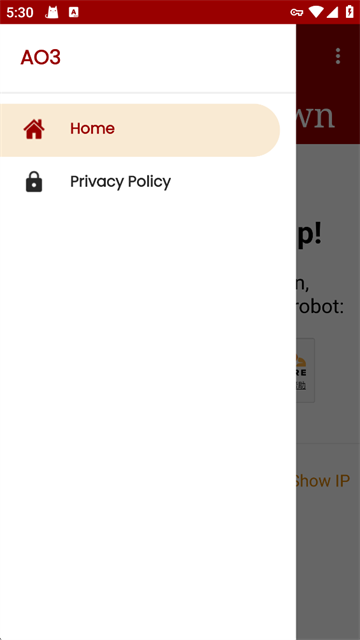
Home menu
Home and privacy policy, one tap from the top bar.
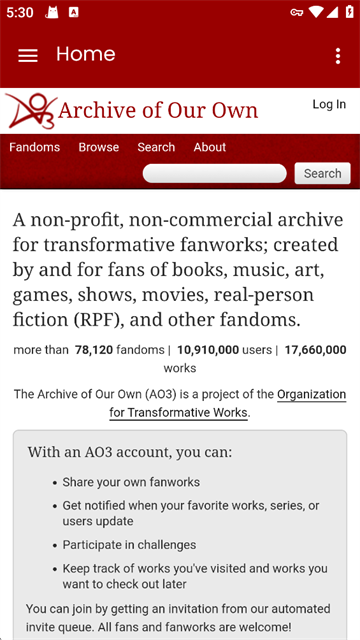
Archive home
Browse, search and sign in from the archive's own front page.
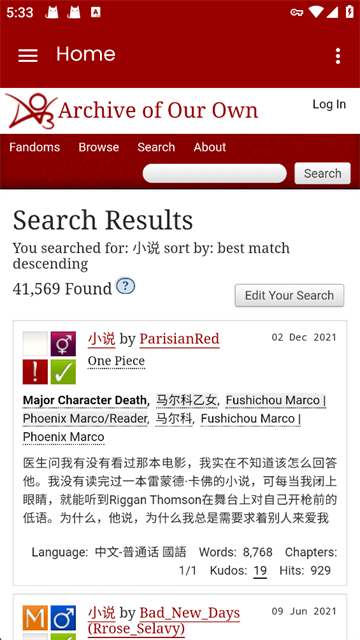
Search results
Every result lists its tags, language, word count and kudos.
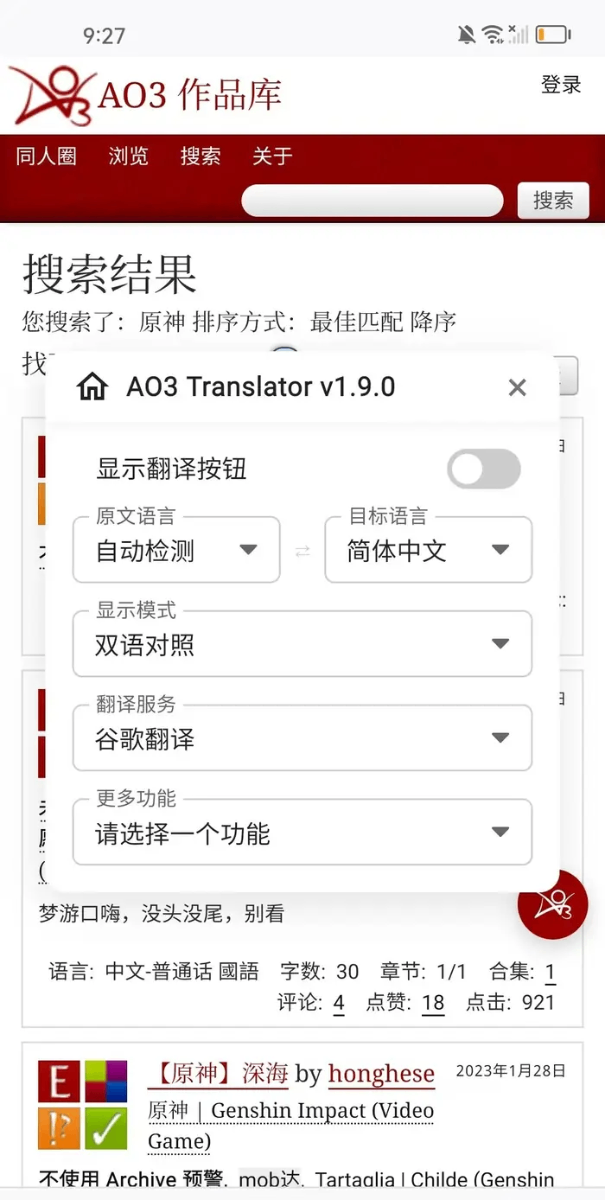
Translator
Translate a work in place and read both languages side by side.
03 / What it does
Six things AO3 handles quietly, so the chapter stays uninterrupted.
Combine fandom, character and freeform tags, then put a minus in front of anything you want out of the results.
The AO3 reader remembers the chapter and the scroll position, and opens there again on your next device.
Save a work before you commit to it. The list keeps the order you added things in.
Take an AO3 work offline as EPUB, PDF, MOBI or HTML, one chapter at a time or as a single file.
Follow a work, a series or an author and find out when a new chapter is posted.
Leave kudos once, comment on any chapter, and keep private bookmarks with notes only you can read.
04 / Getting started
Four steps, about as long as making tea.
01
Tap Download AO3, choose your platform, then sign in with the account you already use on the archive.
02
Search a fandom by name or open Browse. Sort by kudos when you want the classics first.
03
Set word count, completion, language and the tags you never want to see again. The filter stays on until you clear it.
04
Bookmark the work, mark it for later, or download it. Downloaded chapters open without a connection.
05 / FAQ
FAQ
Answered in writing, no ticket queue.
06 / Readers
Reviews are published anonymously, which is how most AO3 readers prefer it.
“I read on the bus with one bar of signal. Downloaded chapters open instantly, so I stopped losing my place between stops.”
“The tag filter is why I use the app instead of a browser tab. Excluding two tags fixed my entire front page.”
“Subscriptions tell me when a slow author posts. I have followed one work for a long time and have not missed a chapter.”
“I post as well as read. Comment threads stay readable and the old ones do not vanish, which is why I kept writing.”